Performance meter calculates how many tasks done and how many tasks are open and always displays the current performance of loged in person on monthly basis. This will gives energy to your employees to touch the max.
On dashboard you can also Time-in and Time-out in just single click.
.png)
A small slip on the top side, displaying, Recent Notice that is present on the Notice Board.
.png)
On the Dashboard, a box containing the count of tasks priority wise. All the tasks must be of the same user who logged in.
.png)
On the Dashboard, a box containing the count of Bug Severity wise. All the Bug Severities must be of the same user who logged in. Different for bug fixers, bug validators and managers
.png)
Showing 5 Recent Comments on Tasks to all employees, so that your all employees will be on same page.
.png)
Showing 5 Recent Comments on Bugs to all employees, so that your all employees will be on same page.
.png)
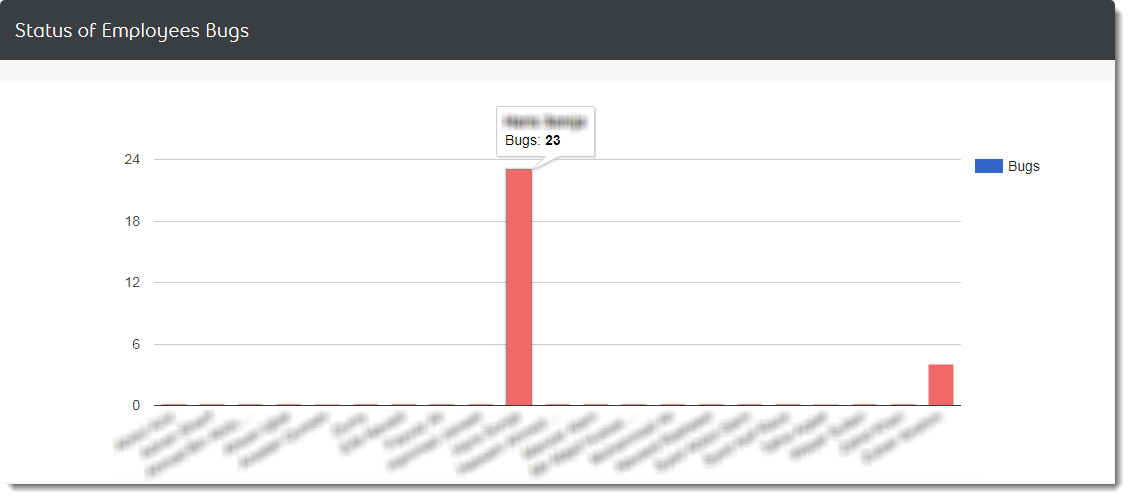
Displays bar chart, how many employees are currently working on which bugs, and how many bug validators are validating bugs.
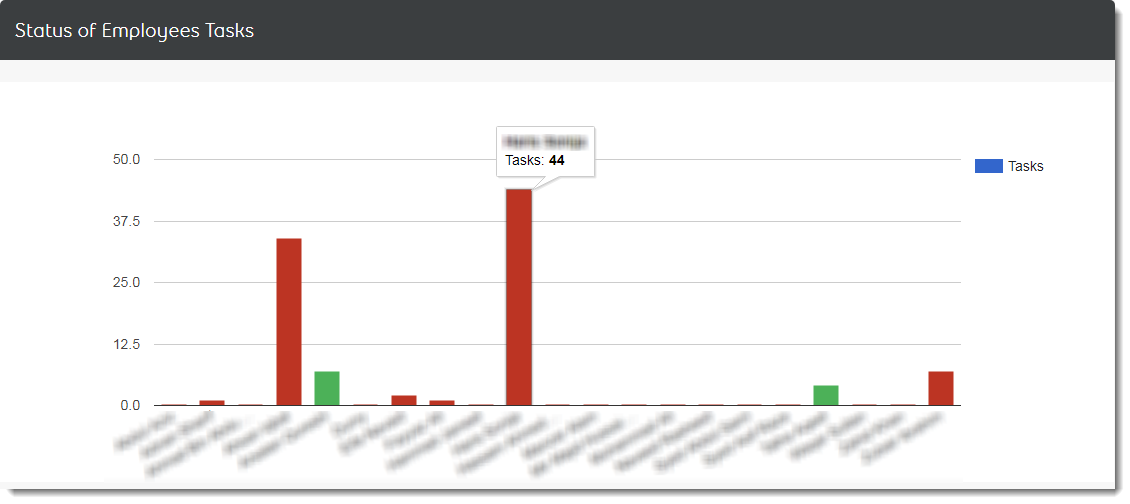
Displays bar chart, how many employees are currently working on which task, and how many tasks (green) are waiting for managers approval.
It shows the current status of your own tasks in a graphical view.
.png)
It shows the current status of your own bugs in a graphical view.
.png)